TutorialApr 1, 2025·6 min read
ArtEditor WebP Editor Review: The Best Browser Tool for Game Artists
A deep-dive review of ArtEditor — the browser-based WebP editor that launched on Product Hunt and fills a specific gap legacy editors still can't.
AE
Game Art Editor Team
Core Engineering · arteditor.art
What Is ArtEditor WebP Editor?
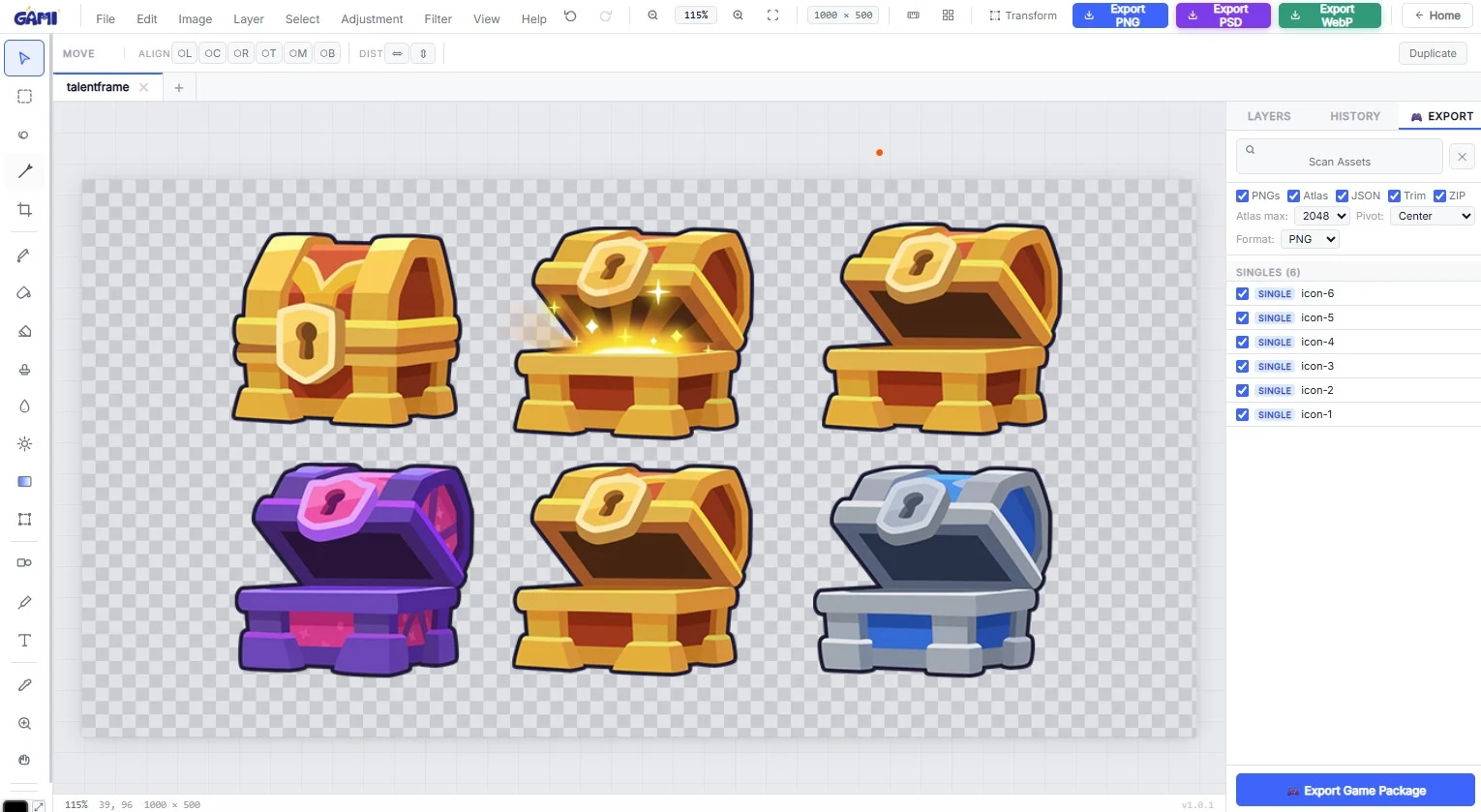
ArtEditor WebP Editor is a specialized web-based tool designed for users who need to handle WebP images directly, without converting to another format first.
Key Features
- Native WebP Support: Open, edit, and save WebP files directly.
- Batch Processing: Apply edits to multiple images simultaneously.
- Built-in Compression Controls: Adjust lossy or lossless settings during export.
- Basic to Intermediate Editing: Cropping, rotating, text overlays, filters.
Expert Tip
Use lossless WebP for sprites and UI icons. Switch to lossy at q80 for background tiles where savings jump to 60-75%.
Verdict
ArtEditor WebP Editor fills a specific niche very well. A must-have bookmark for anyone working with WebP on the modern web.
★★★★★
4.8 / 5
Ready to Try It?
Optimize Your Game Assets Now
Free, browser-based, no uploads. Start converting and editing in seconds.
Open Game Art Editor →